
Journal
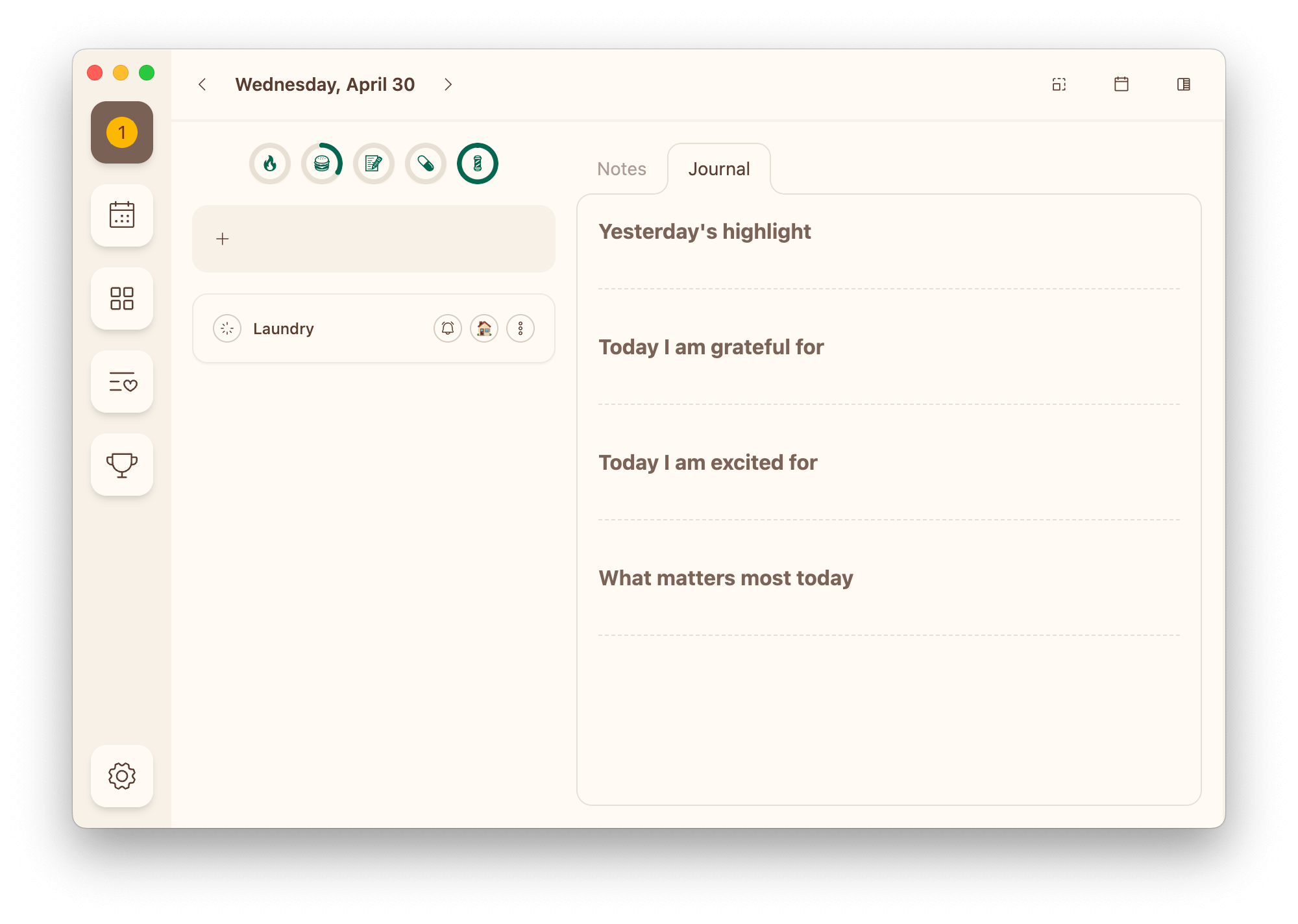
The journal is a customizable set of prompts or questions for you to answer every day. These could be rooted in gratitude, productivity, mindfulness, or whatever matters most to you.
Using the journal
The journal is a step of your daily ritual. Open the Ritual tab and move to the Journal step. Each ritual asks only its own prompts, and both write to the same entry — a morning answer is still there in the evening. A ritual with no prompts of its own has no Journal step at all.
Settings
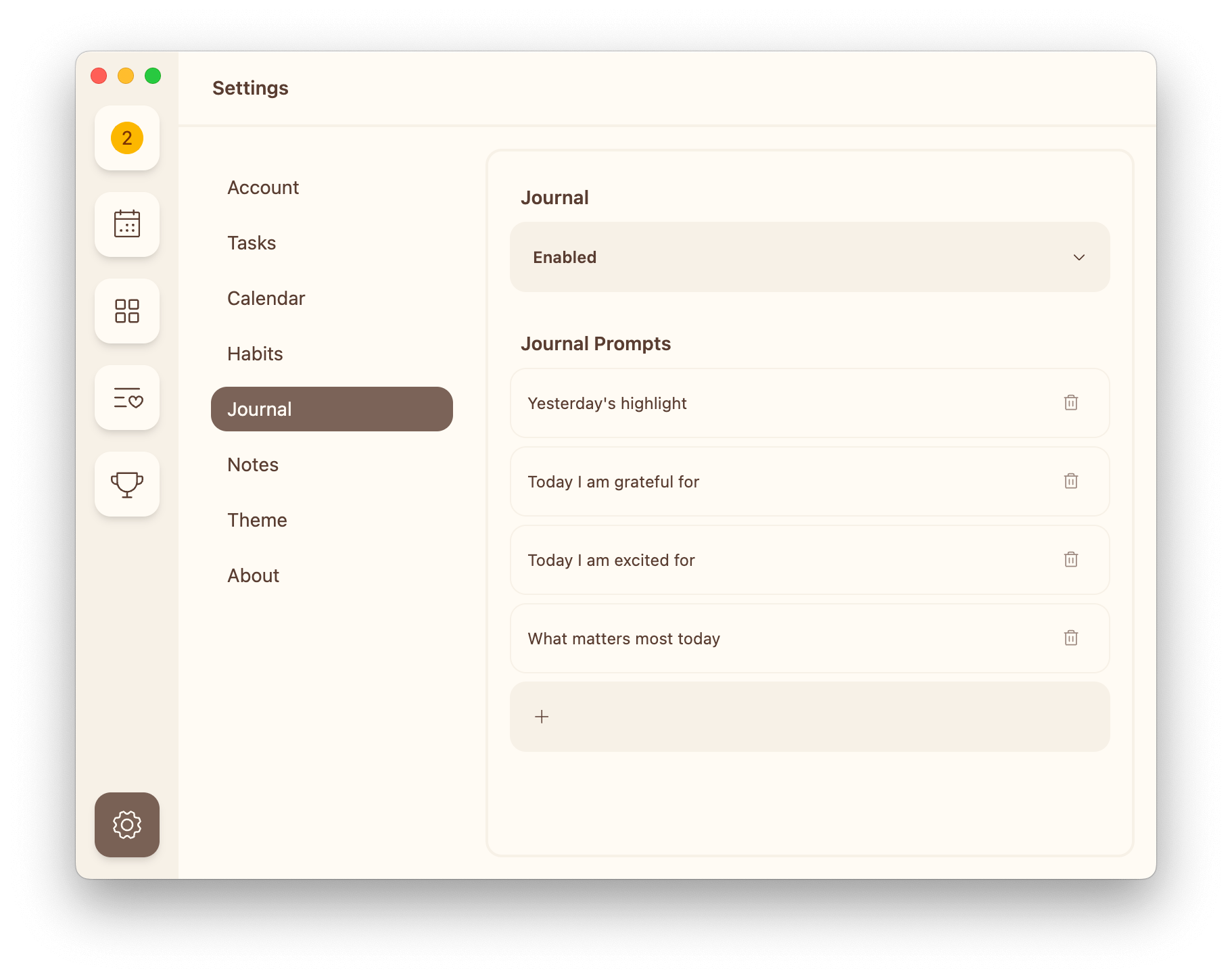
Turning the journal on and off
- Enabled: The journal step appears in your rituals
- Disabled: The journal step is skipped entirely
Adding journal prompts
Use Add prompt to append a new prompt, then type your question — it saves automatically. New prompts start in the morning ritual.
Any new journal prompts will appear on days with a blank journal.
Choosing when a prompt is asked
Tap the sun or moon beside a prompt to move it between the morning and evening ritual. It stays where it is in the list, so you can order and mix your questions freely.
Deleting journal prompts
Use the trash can icon to remove a journal prompt.
It will only be removed from future journal entries and will not delete any data.
Editing journal prompts
Tap into a prompt and start typing to make changes — they save automatically when you tap away.
Any changes to journal prompts will appear on days with a blank journal.