
Day View
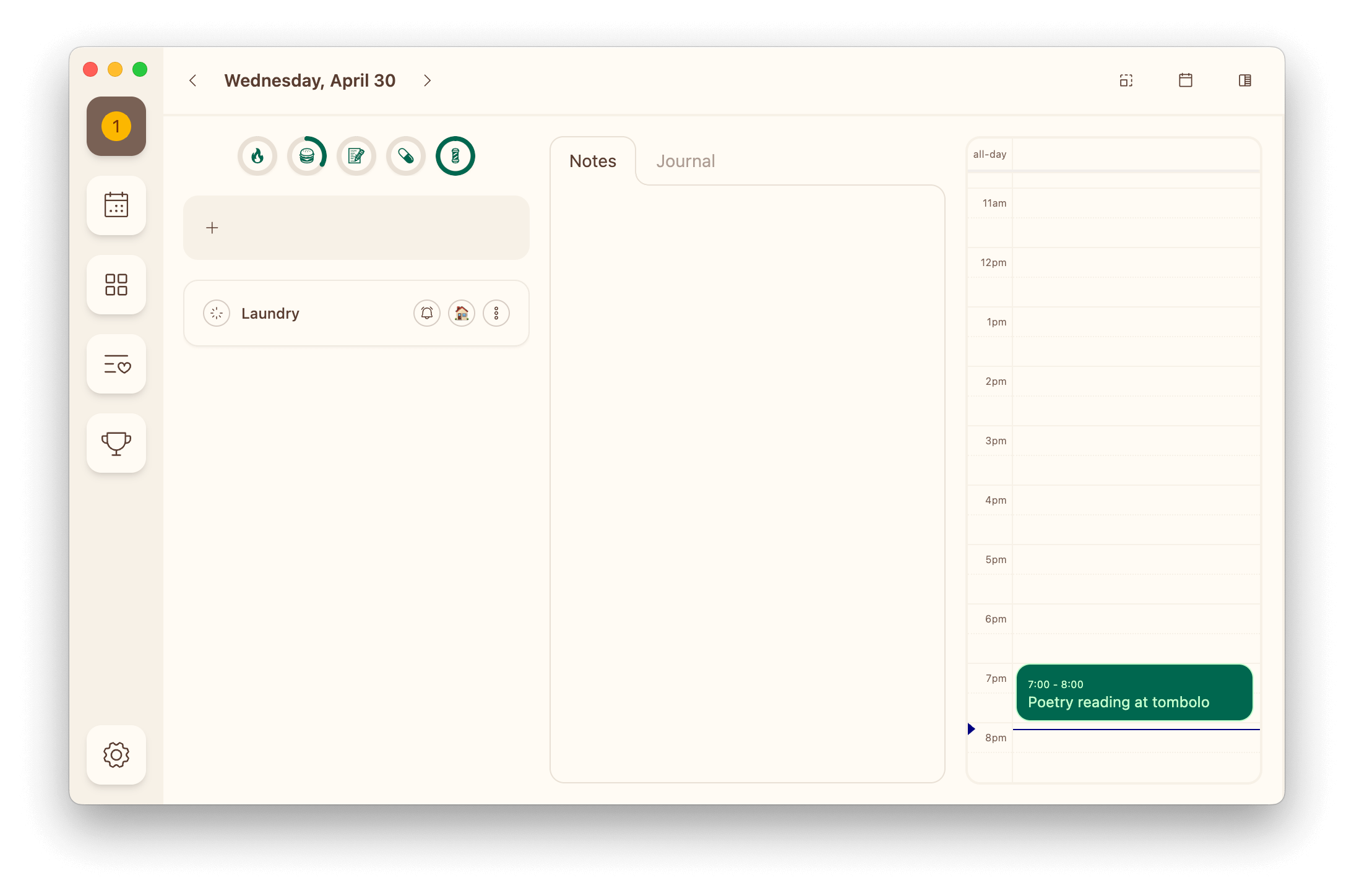
The day view in Dexter is your home base. See everything you need in one, focused workspace including your tasks, habits, notes, calendar, and more.
👋 New to Dexter? Read the Dexter Method first to learn how the app works, and why.
Toolbar
The toolbar enables quick navigation and access to tools without leaving the day view.

- The date: Click on the date to open the date picker, click it again to come back to today
- Arrows: Use the arrows to navigate forward and backwards one day at a time
- Card size: Toggle this size of task cards
- Calendar: Toggle the calendar
- Quick Planner: Toggle the quick planner
Tasks
The day view will show only the tasks scheduled for today (or the day you choose).
To add a new task to the day, click the + input above the task list and start typing. When done, press enter and the task will be created.
To add an existing task to the day, use the button on a quick planner row. On a wide screen you can also drag the task straight out of the quick planner and drop it on the task list, or drag it back onto the quick planner to unschedule it.
Habits
The day view includes a simple habit tracker you can configure in settings.
Tap on a habit to track progress or mark it as complete.
Notes
Daily notes are a space to jot down your thoughts and let your ideas flow.
Notes are richly formatted as you write them — select some text for headings, lists, bold, italic, underline, strikethrough or a link.
If you don't want to use the notes feature, it can be disabled in settings.
Calendar
The calendar icon in the toolbar toggles a calendar view.
The calendar can show as many calendar feeds as you'd like, including Google, iCloud, Outlook, and more.
Quick Planner
The quick planner is one of the most powerful Dexter features.
Look through all your tasks as you plan your day with easy access to filtering, grouping, and searching.
- Want to find all the tasks that you didn't finish yesterday? Easy.
- Want to find all the tasks remaining for that big project? Easy.
- Want to find all the tasks you've been saving for a rainy day? Easy.
The most relevant items automatically bubble to the top of the quick planner based on priority, due date, and status.